Open your business listing
Use the custom link from your invitation email. If you do not have one, search TechnologyAdvisor.com for your company or advisor name and open the matching listing.
Search TechnologyAdvisor.comAdvisor setup guide
Find the listing we created for your business, choose the Founding Member offer, and set up your secure account.
Step by step
Button labels can change slightly over time. The screenshots below show the current TechnologyAdvisor.com experience, using Northgate Technology Advisors as the example.
Use the custom link from your invitation email. If you do not have one, search TechnologyAdvisor.com for your company or advisor name and open the matching listing.
Search TechnologyAdvisor.comLook for the claim notice near the top of the listing. Confirm that the business name and location are yours, then select Claim Listing.
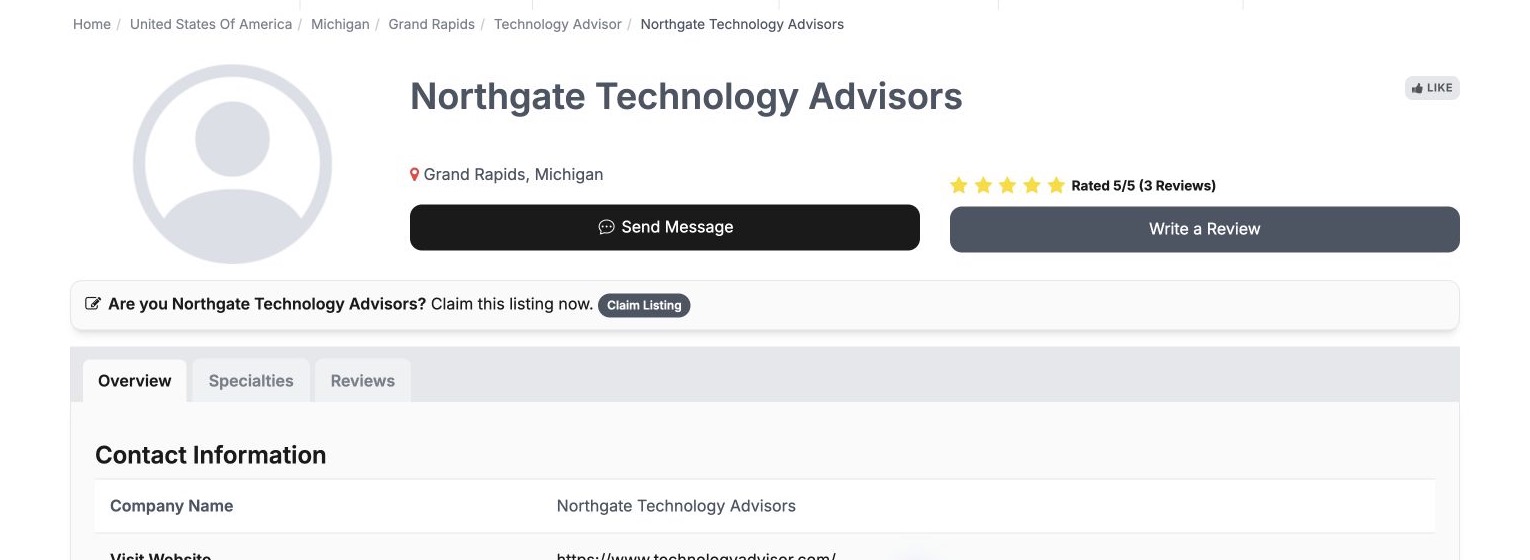
The claim link keeps your listing attached to the signup path. Read what is included, then select Get Listed Today to move to the Founding Member offer.

Review the current price, billing period, and membership terms shown on the page. When you are ready, select Become a Founding Member.
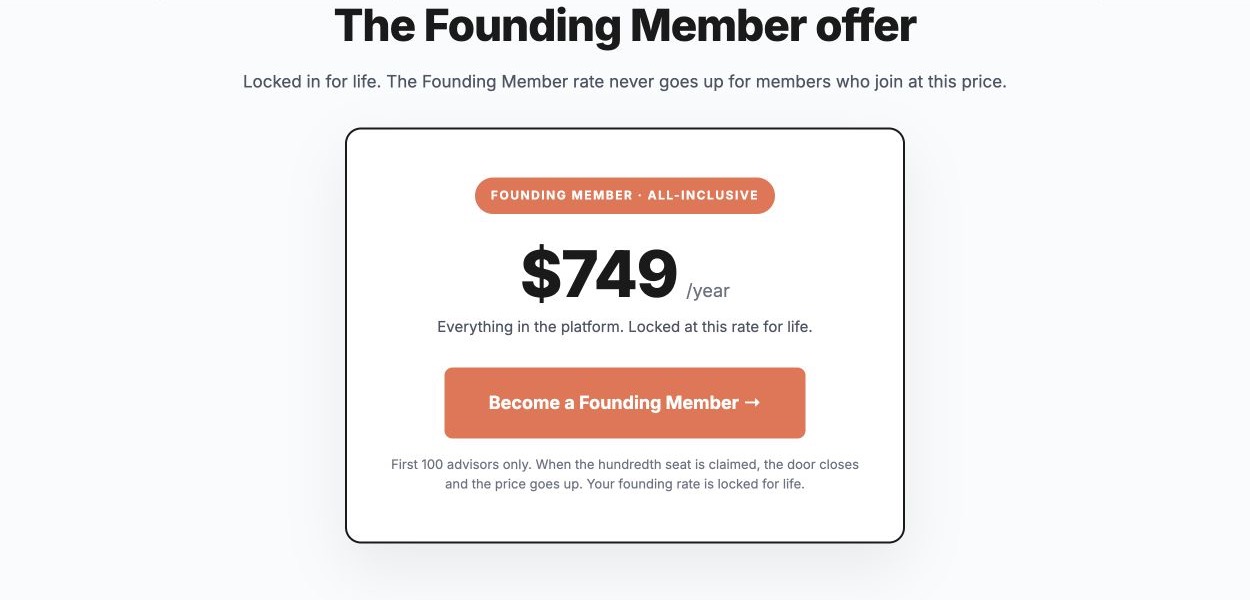
Enter the requested account and billing information on the secure TechnologyAdvisor.com checkout page. Review the final amount and terms before submitting payment.
Complete any email-verification step you receive. Our team reviews claims so the listing is connected to the right advisor or agency. Your welcome message will explain how to access your dashboard and continue setup.
After you claim
Claiming is the starting point. These two actions make the listing more useful to buyers.
From your dashboard, add accurate contact information, your logo, specialties, coverage, and a clear About section.
Ask clients who know your work to share honest feedback. Use our review collection guide for the recommended process and ready-to-use outreach examples.
Want the full sequence? Follow the first 30 days advisor activation plan from claim through monthly maintenance.
Our support team can help you find your listing or work through the claim process.